Finma on iPhone Duo
— Press Kit
Your finances, with room to breathe. Finma adapts its summary, charts and transaction views to the way you hold and fold iPhone Duo.
I have been working on how Finma should feel on iPhone Duo. The larger display gives the app more room to show your finances at a glance, while the folded display keeps the familiar views close at hand.
Open the device and the summary can sit beside your accounts and upcoming payments. Charts and categories share the screen with the transaction list. Partially fold it and the split layout adjusts around the crease.
Below are screenshots and videos for the press. Each asset has an original download, and the full collection of 16 screenshots and two videos is available in one ZIP.
A familiar view when folded
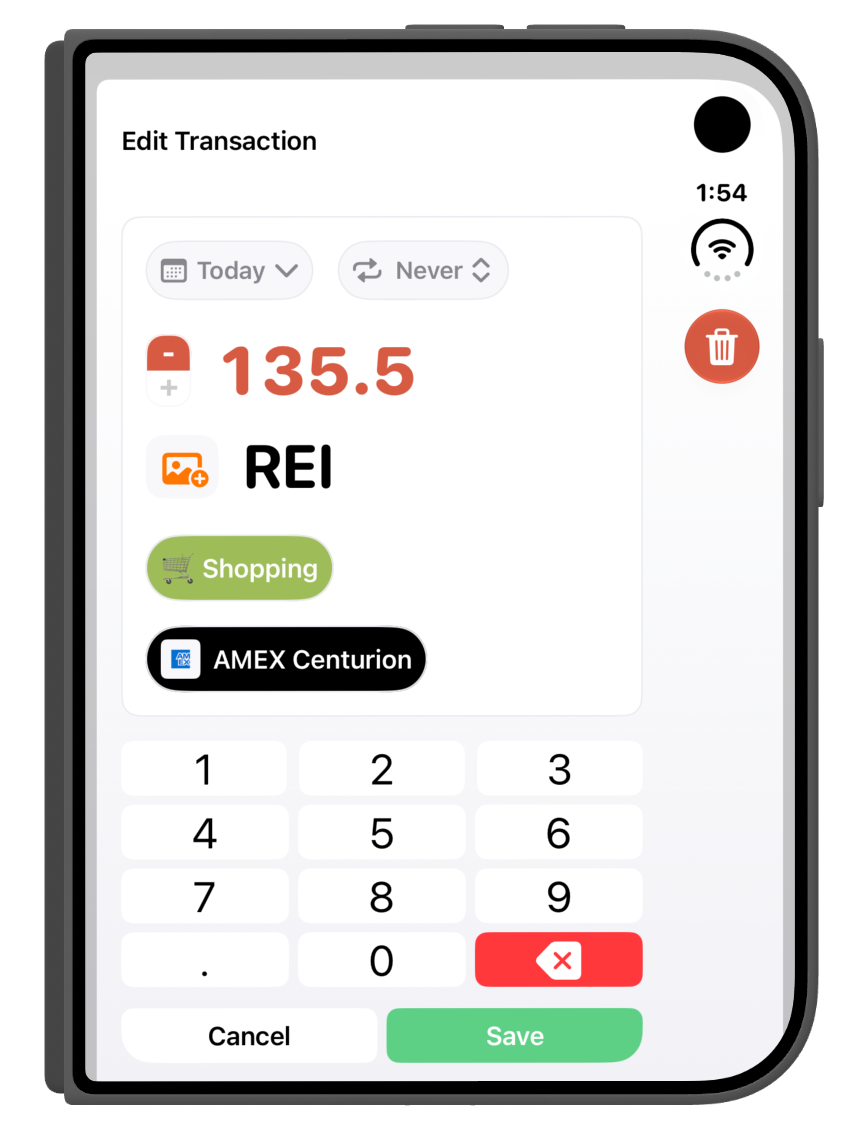
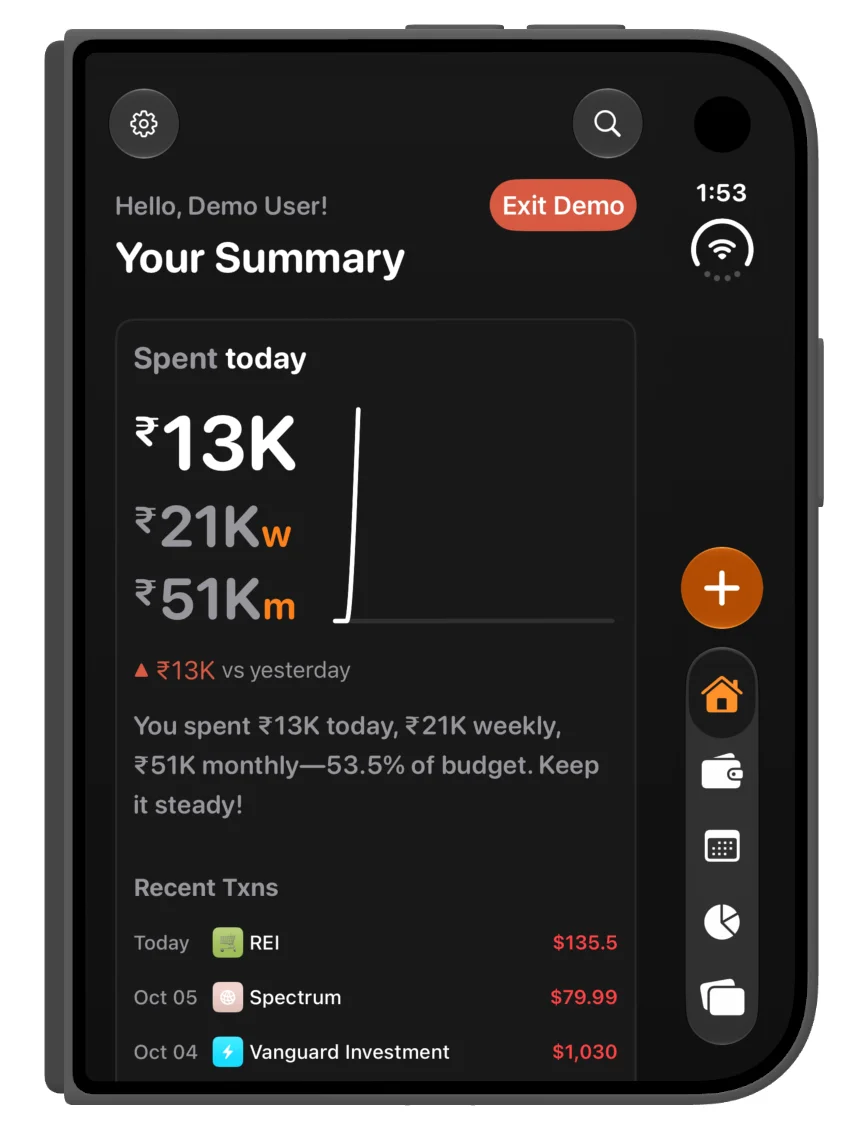
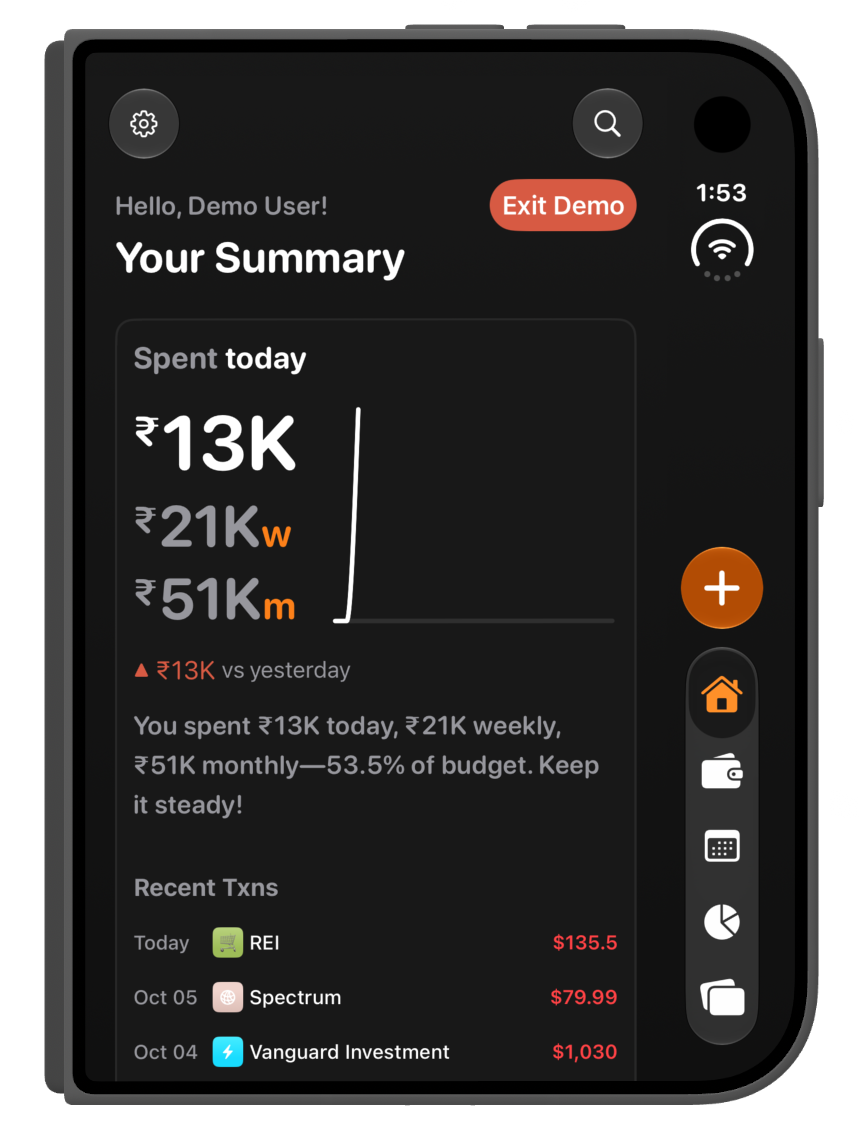
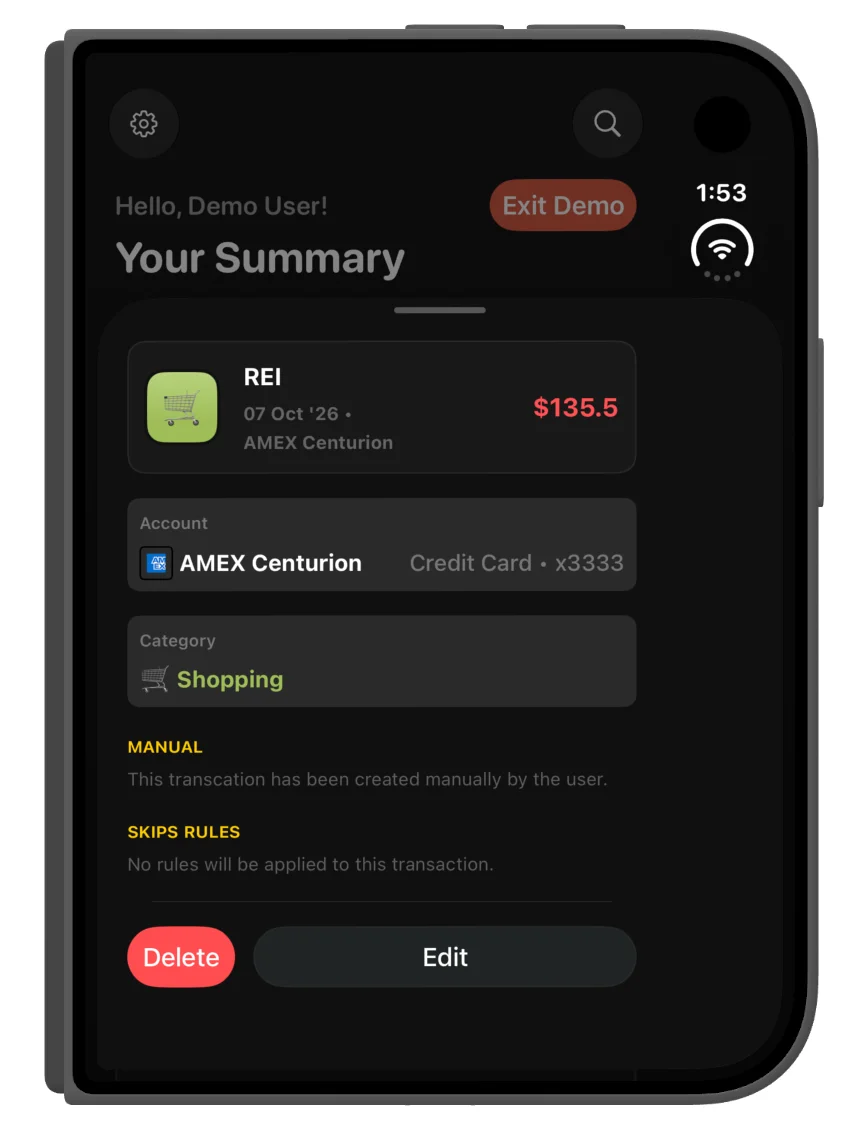
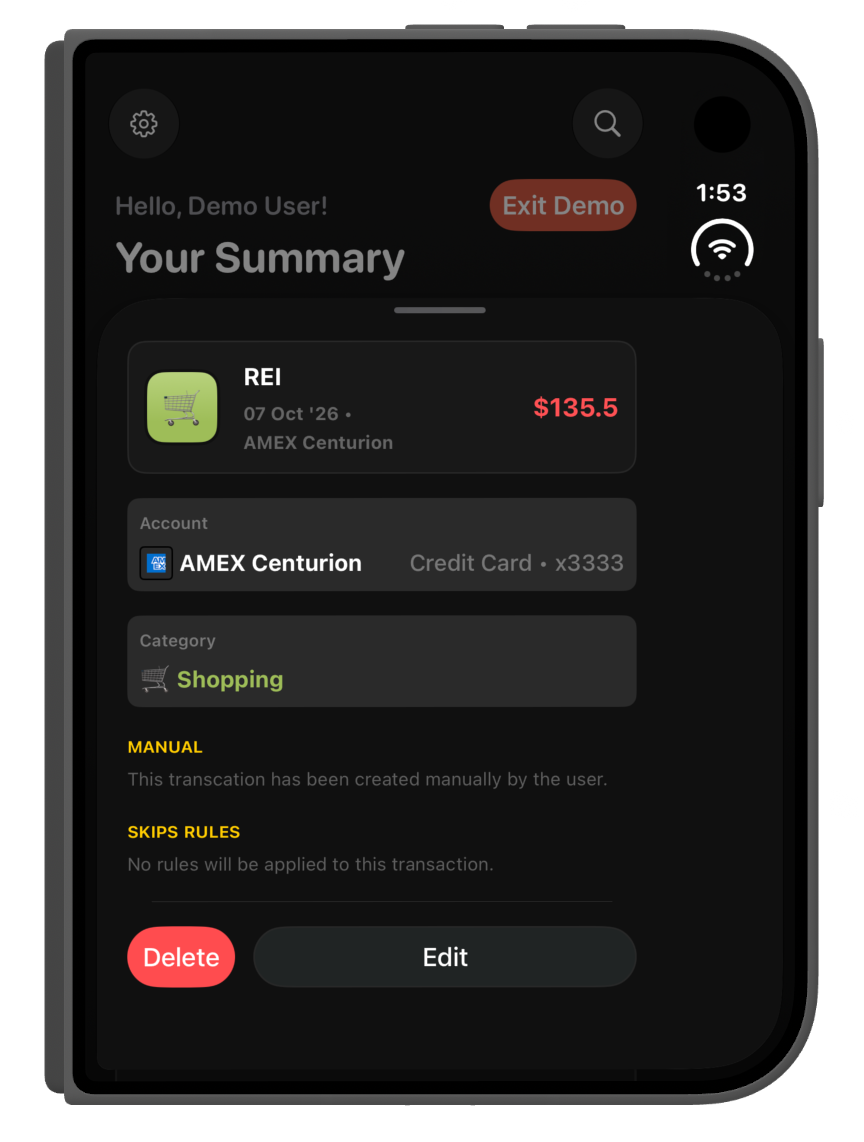
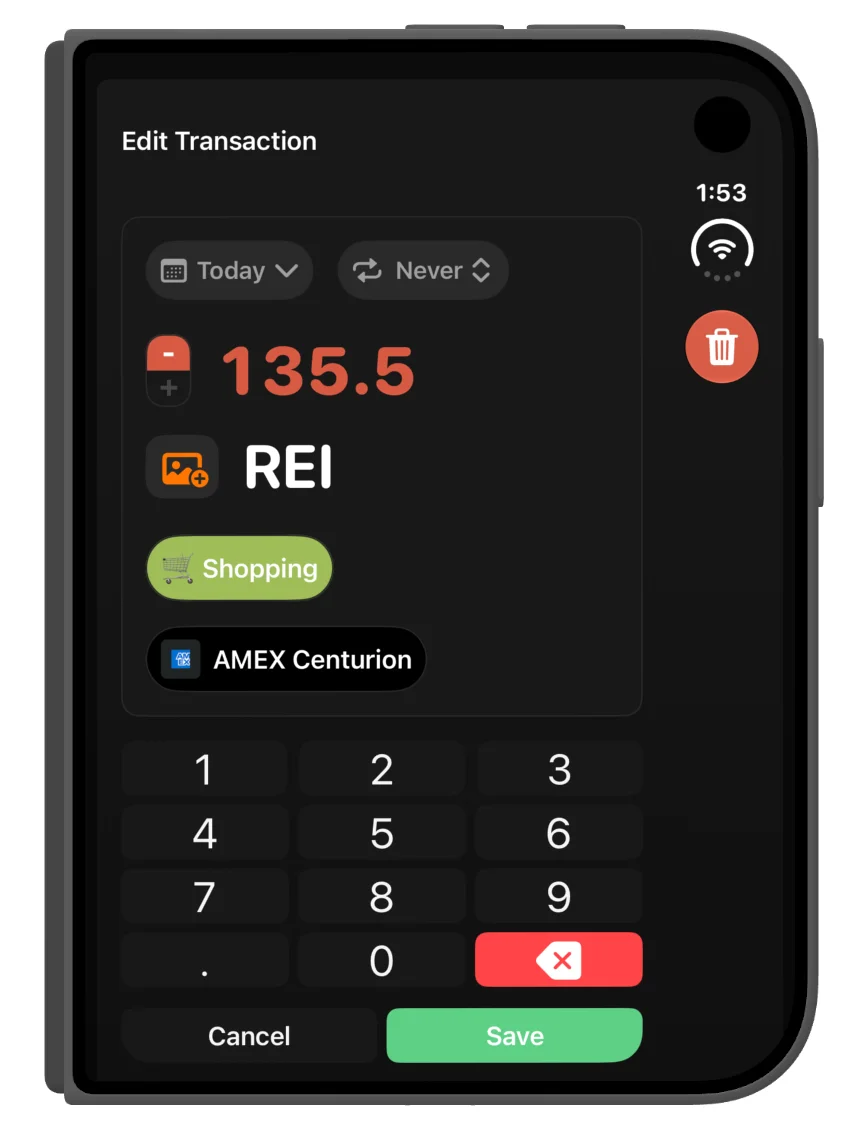
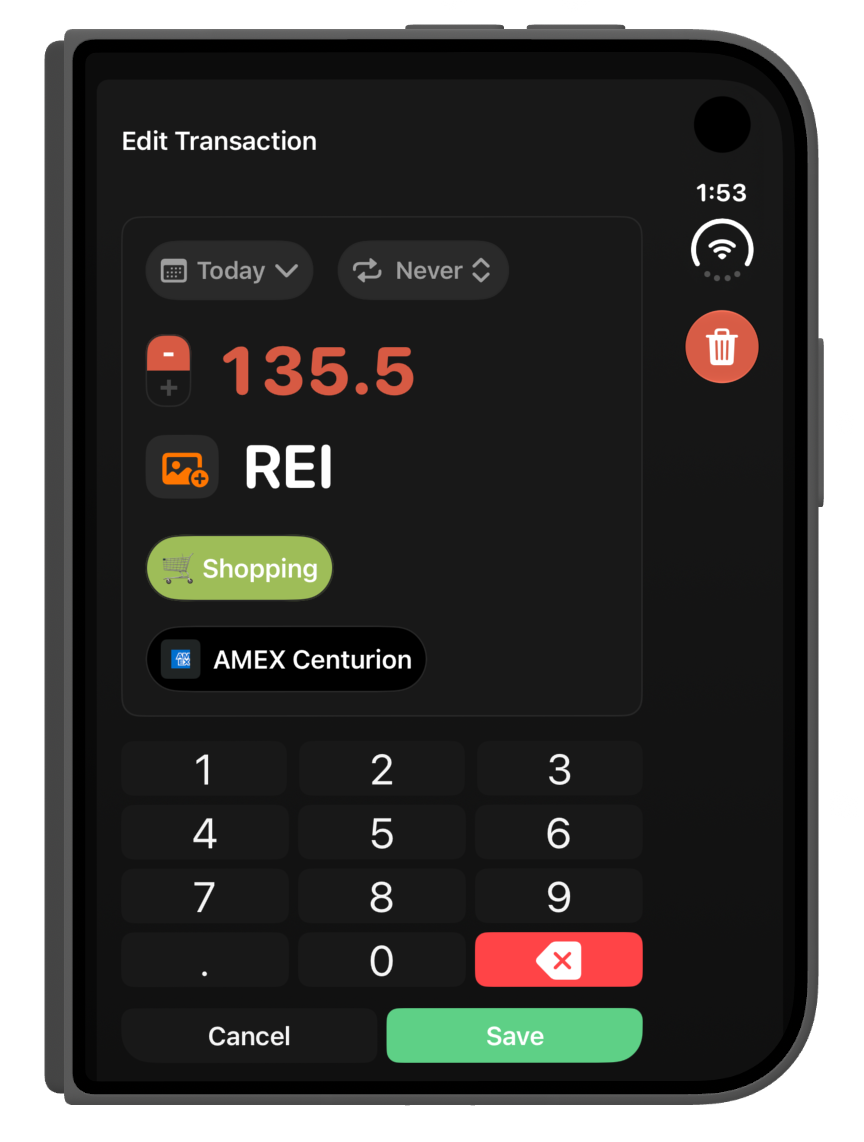
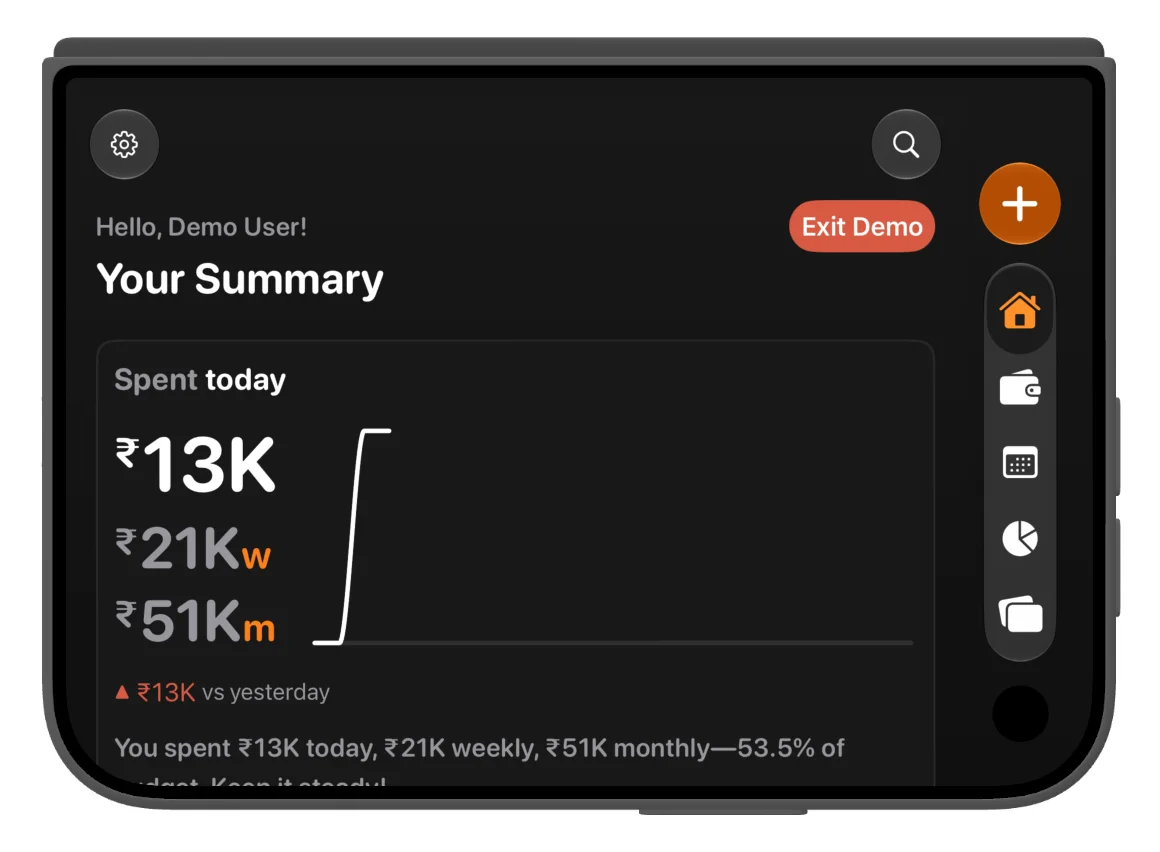
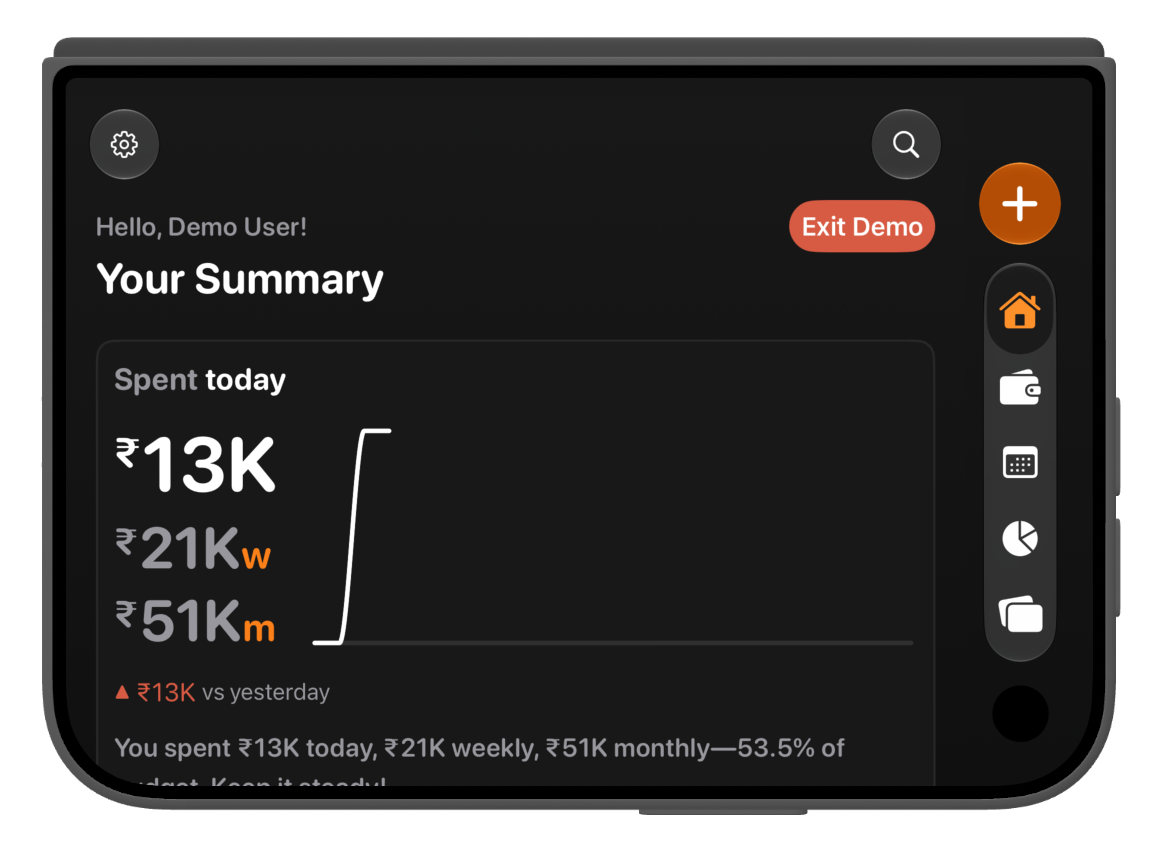
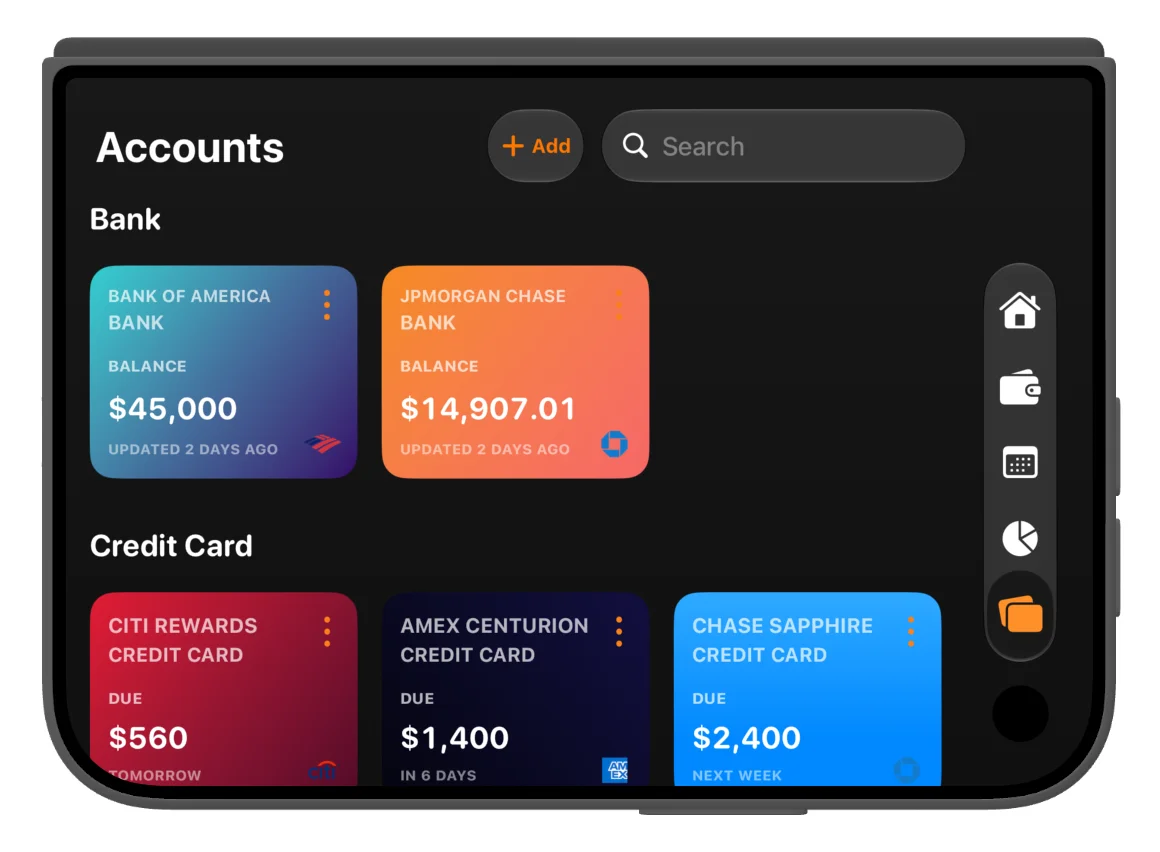
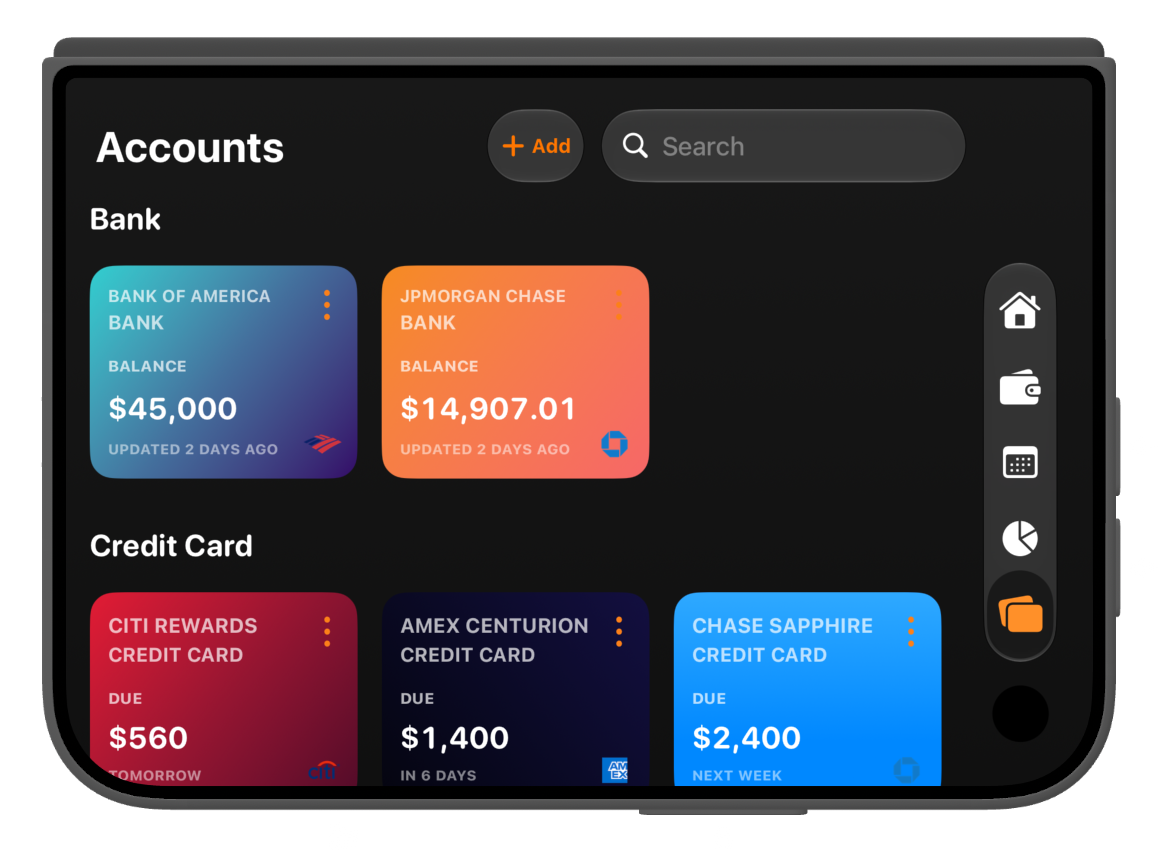
On the outer display, Finma keeps the summary, transactions, subscriptions and accounts in focused views. Side navigation keeps the main areas within reach, and transaction editing brings the details and number pad into the same screen.
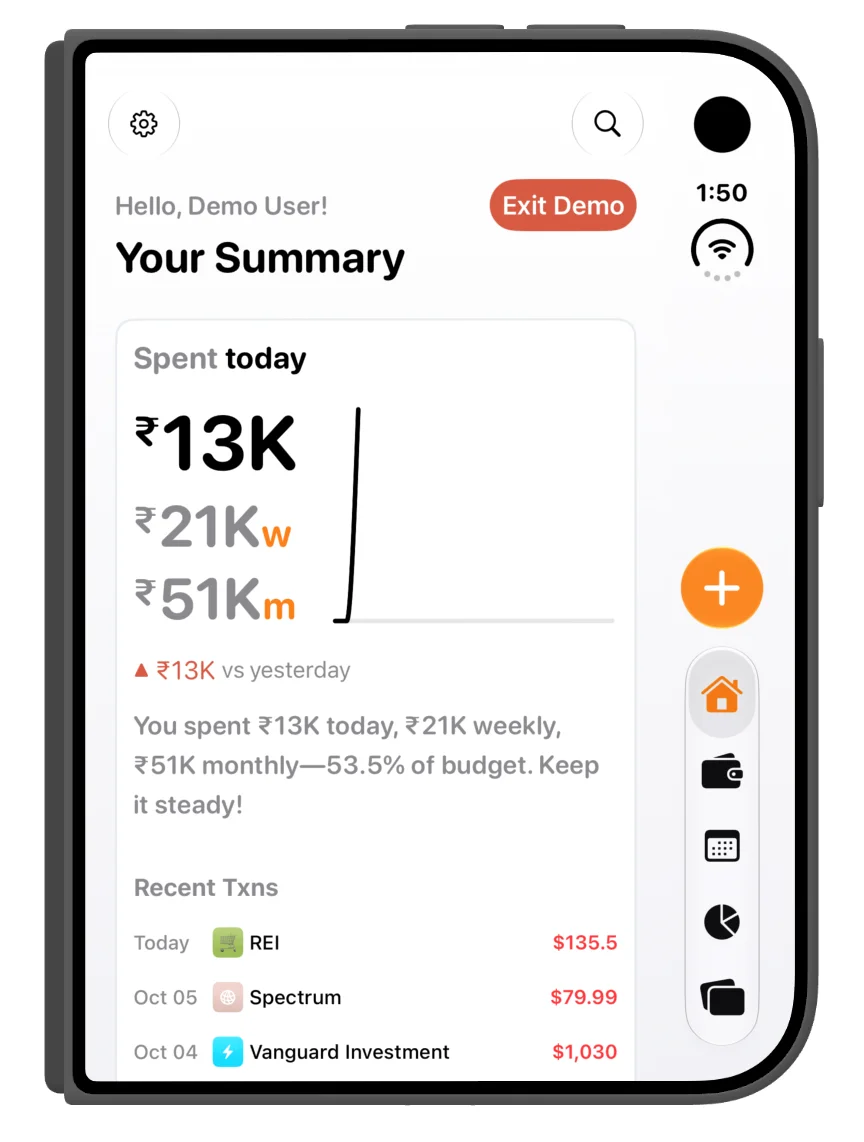
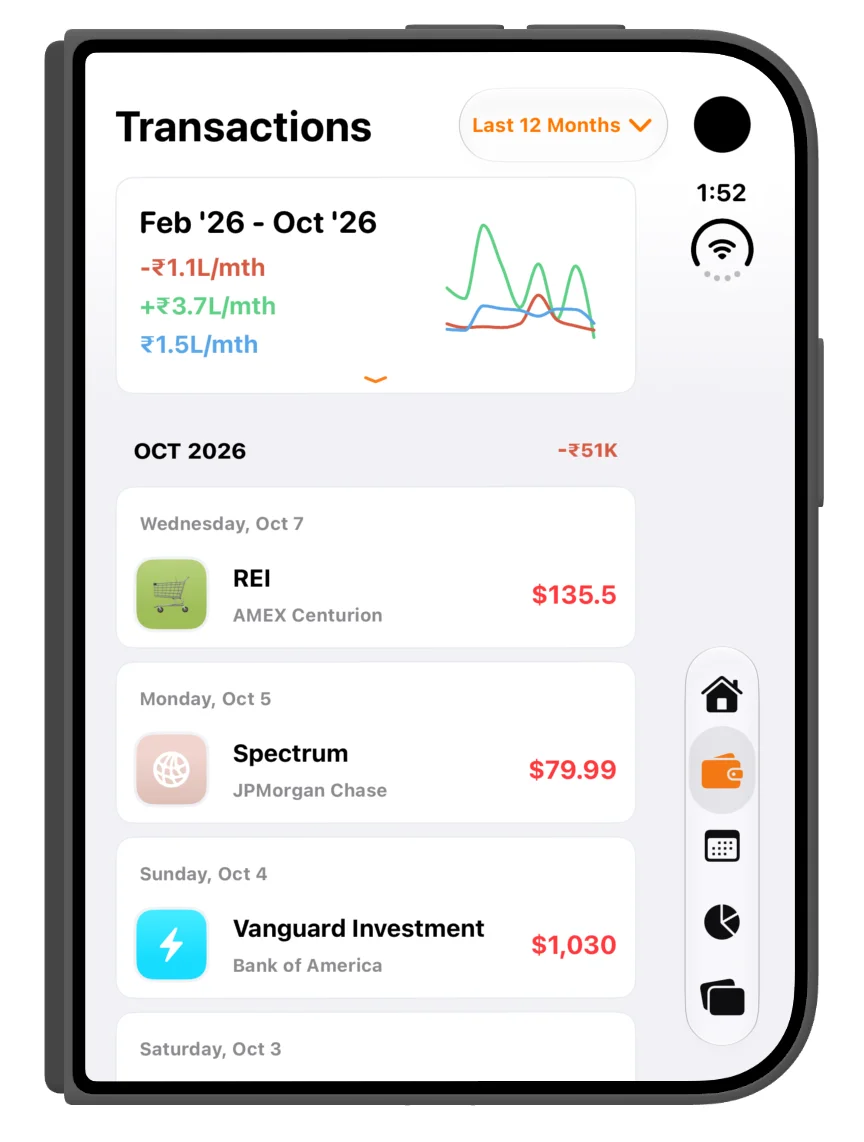
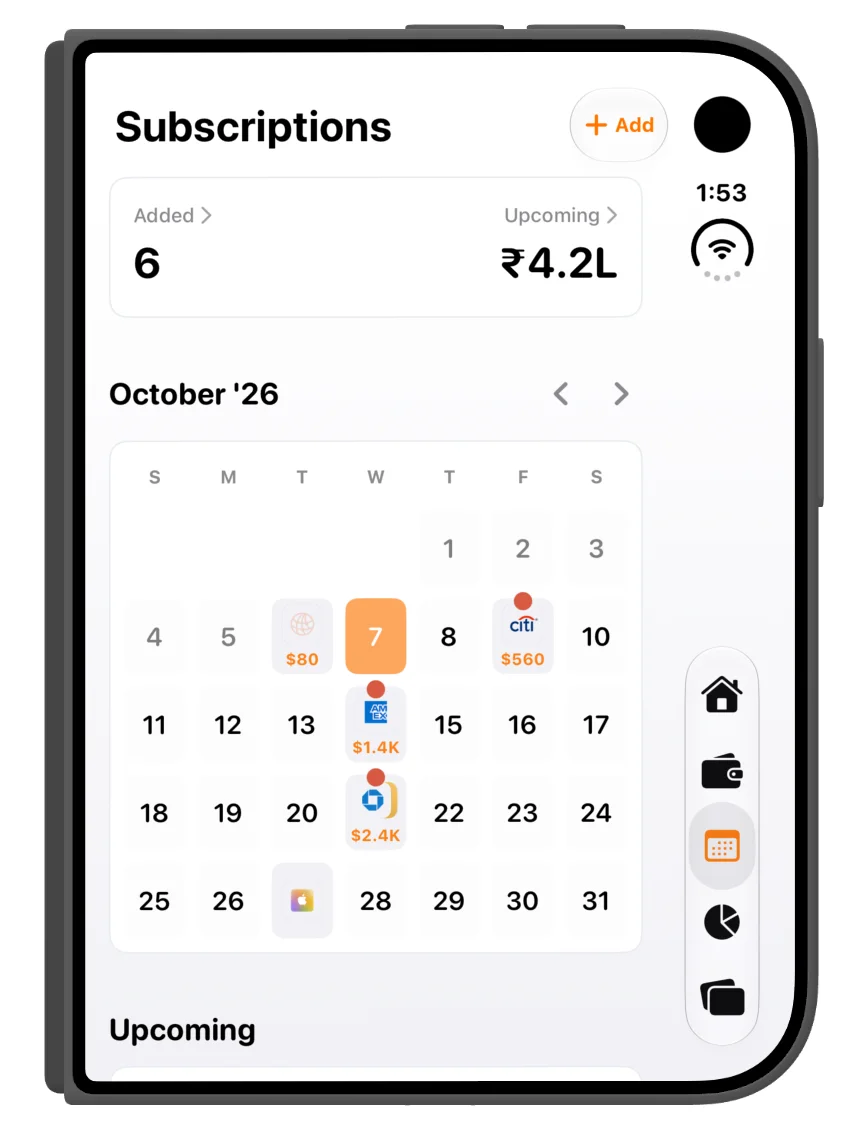
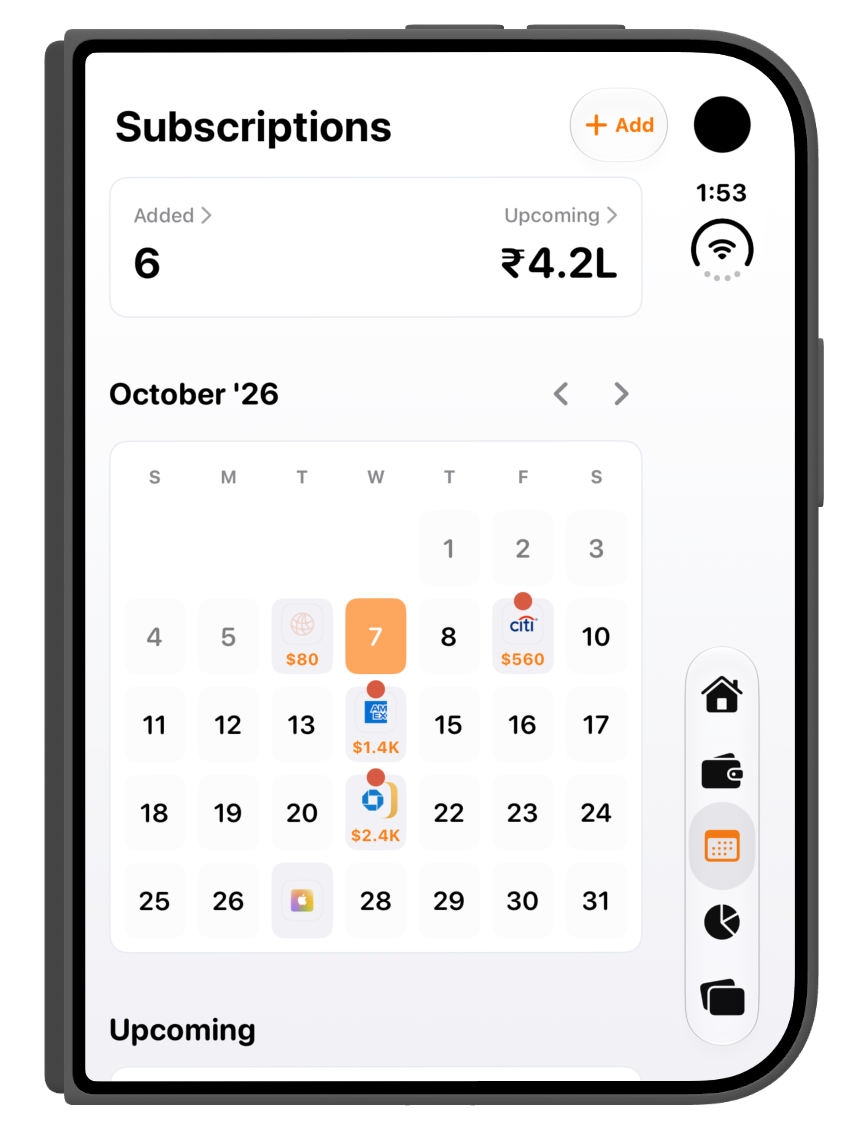
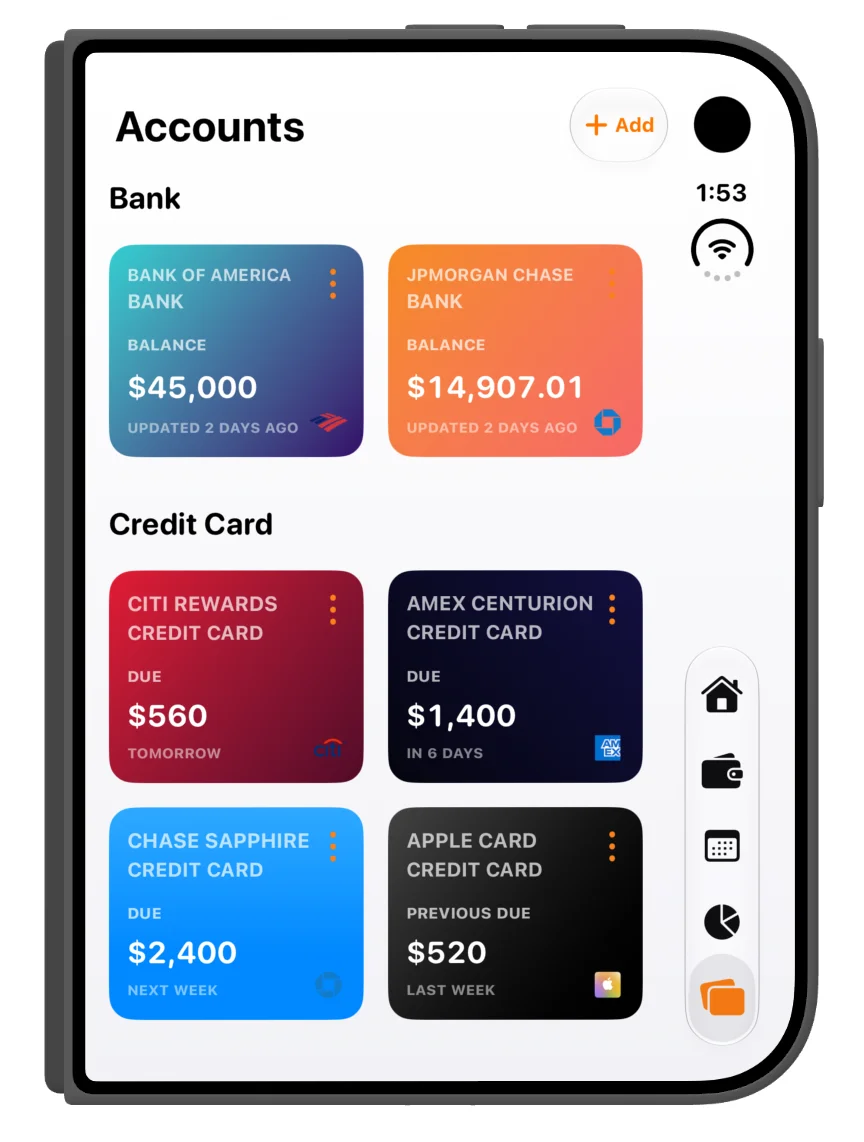
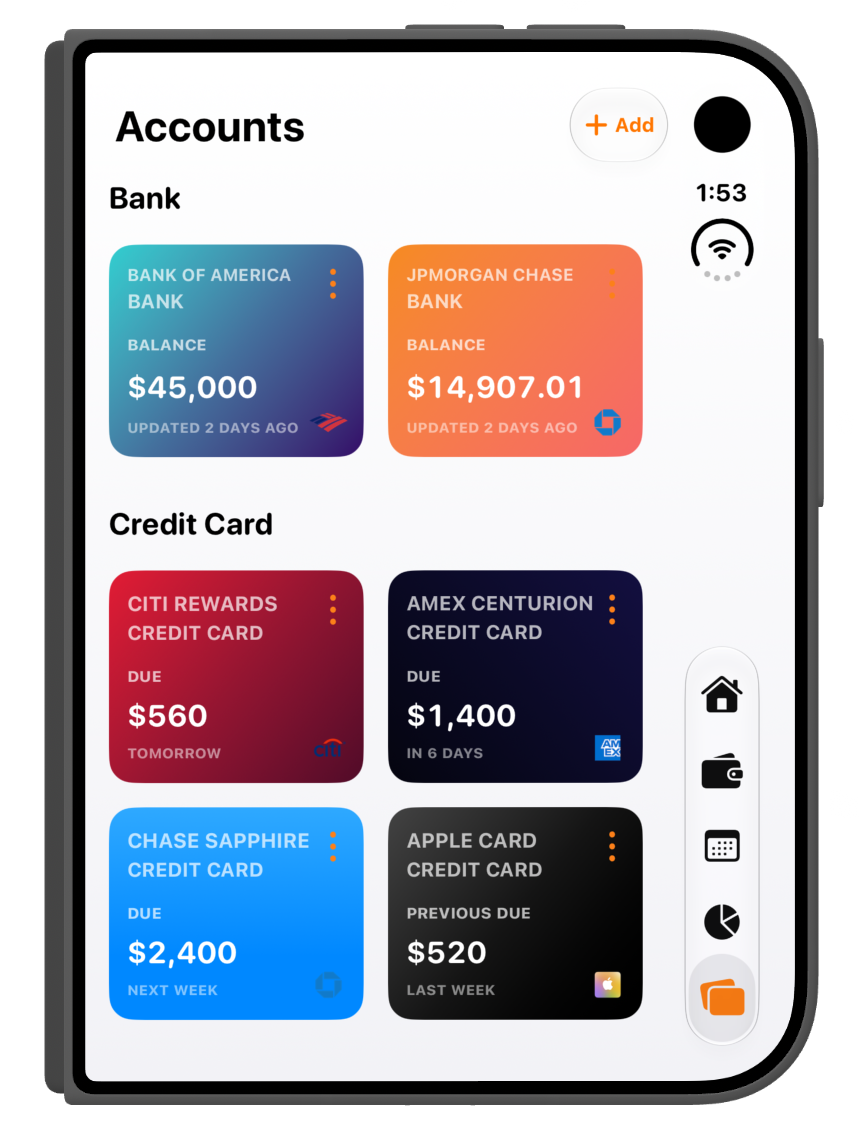
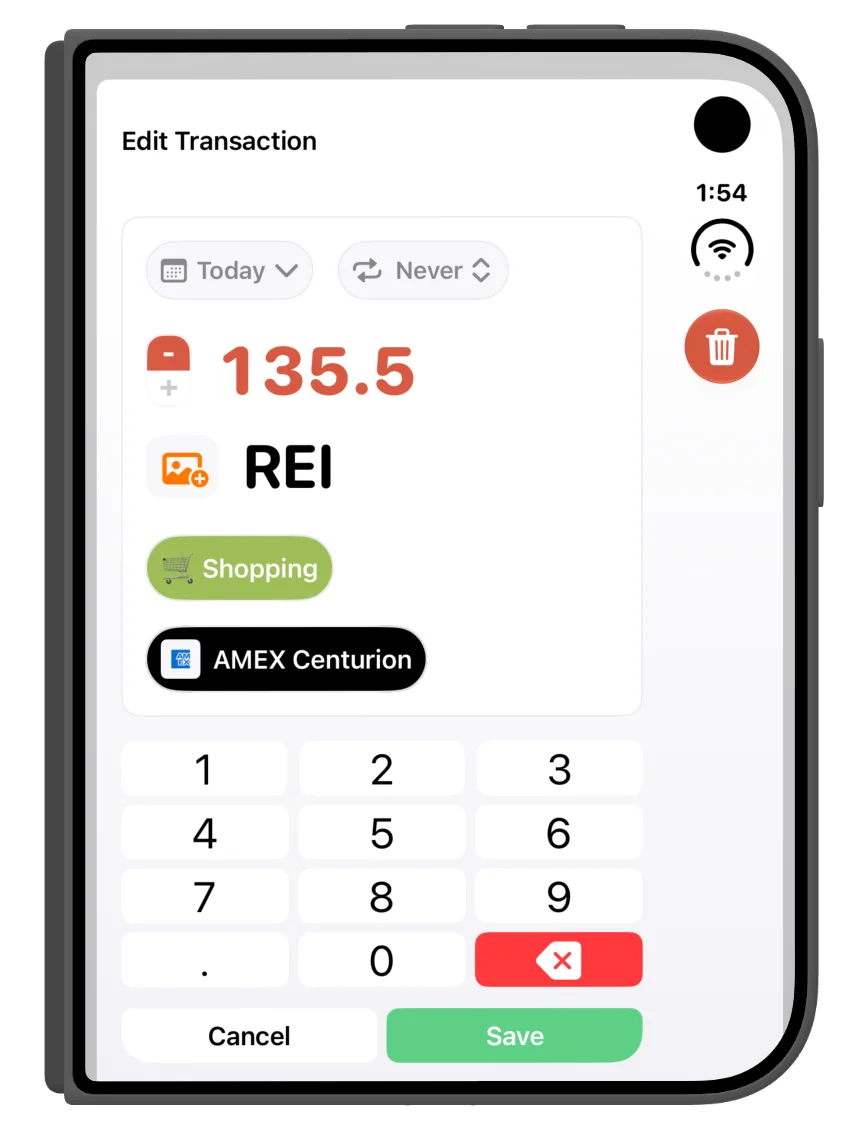
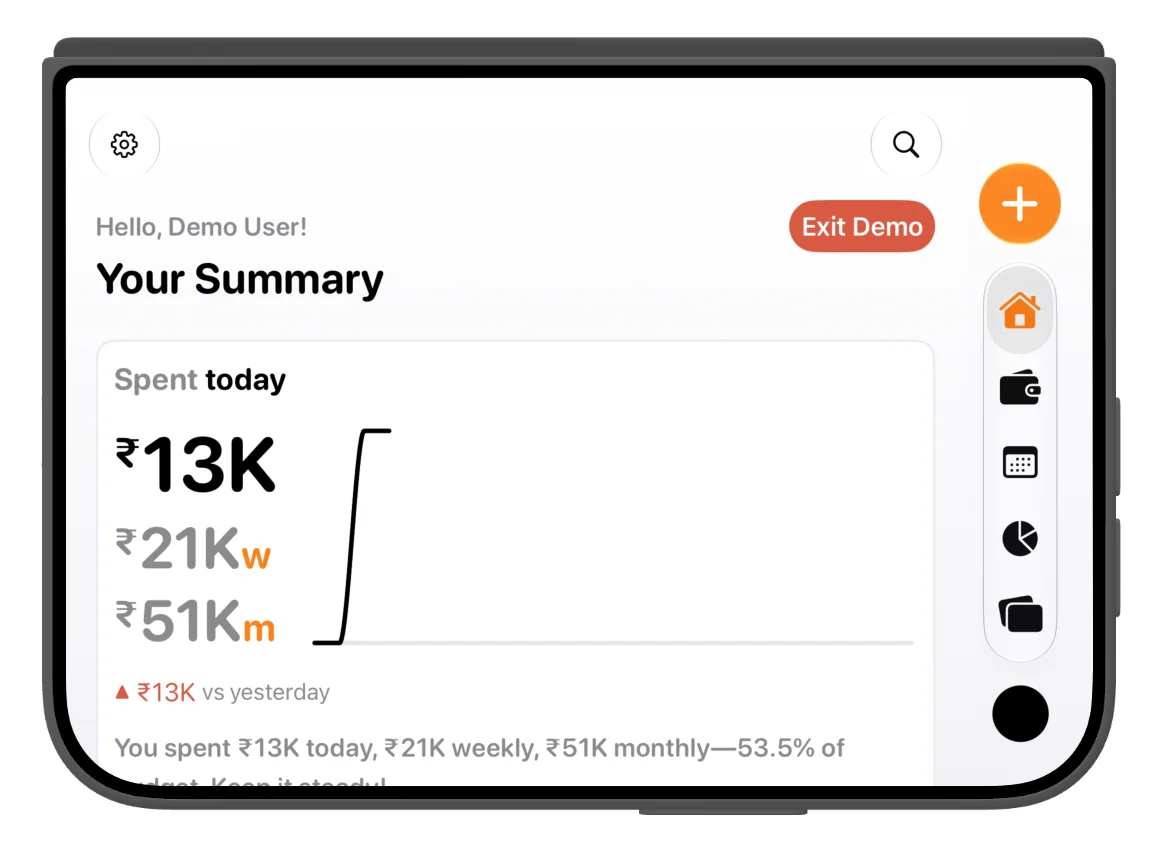
Rotate the folded device and the summary reflows to fit the wider, shorter display.
More of your finances at a glance
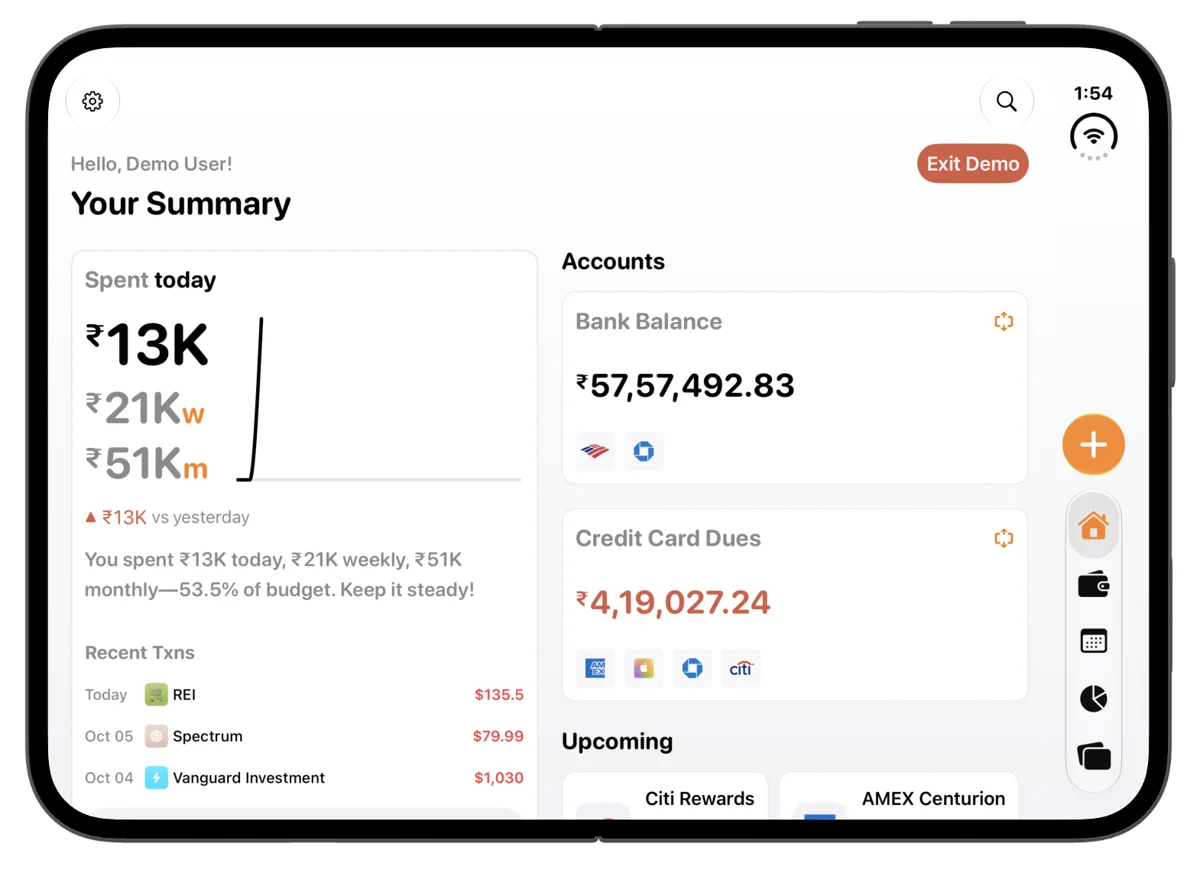
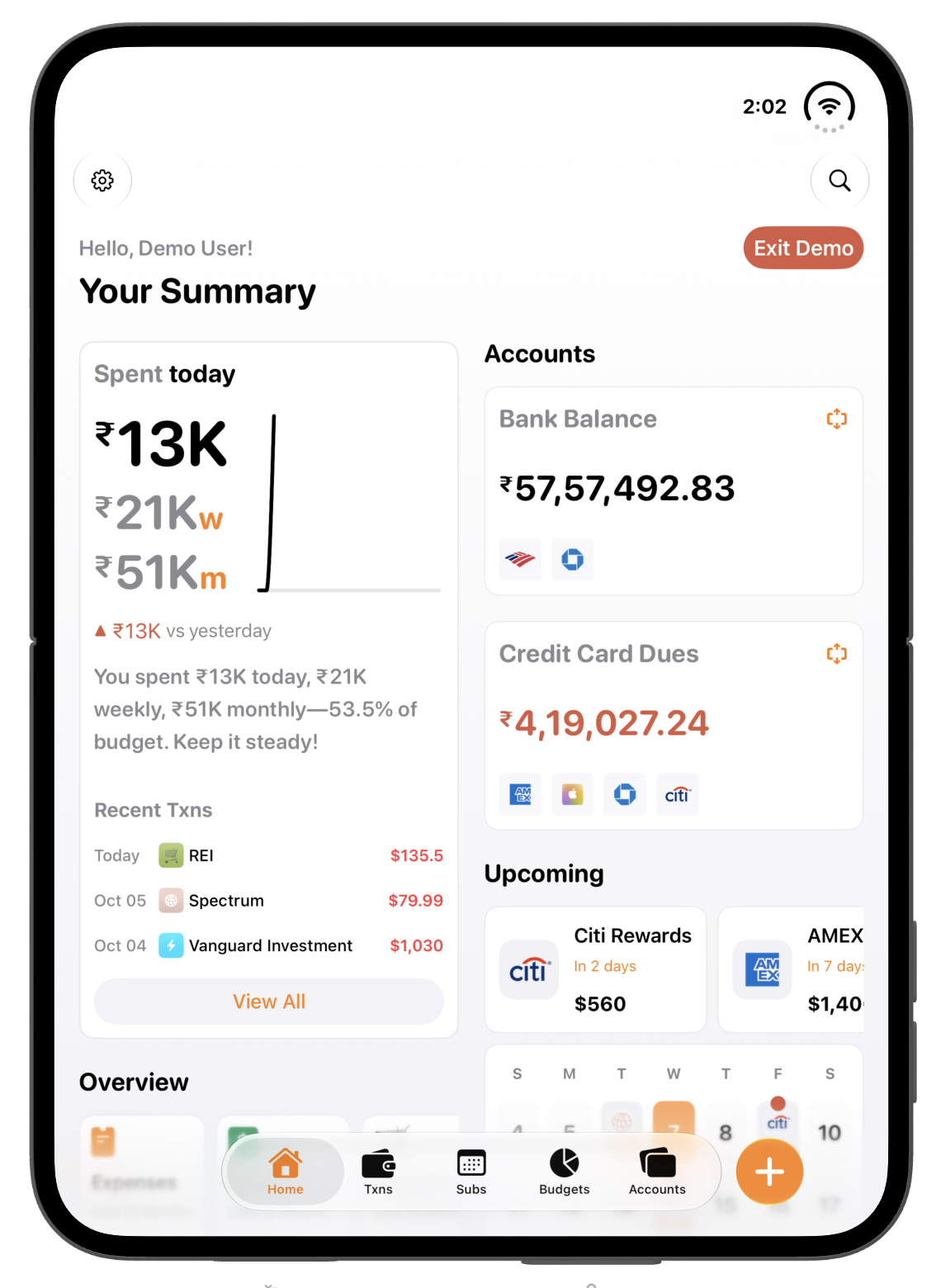
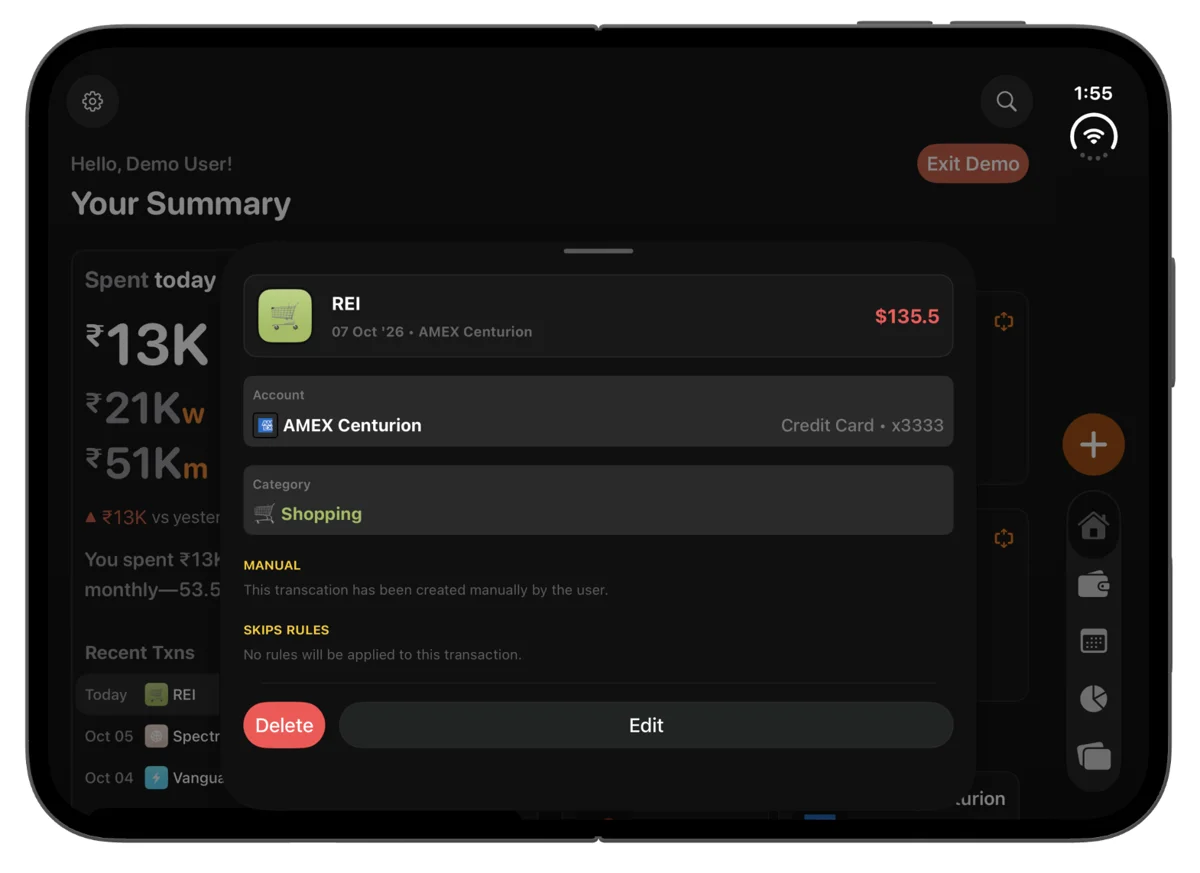
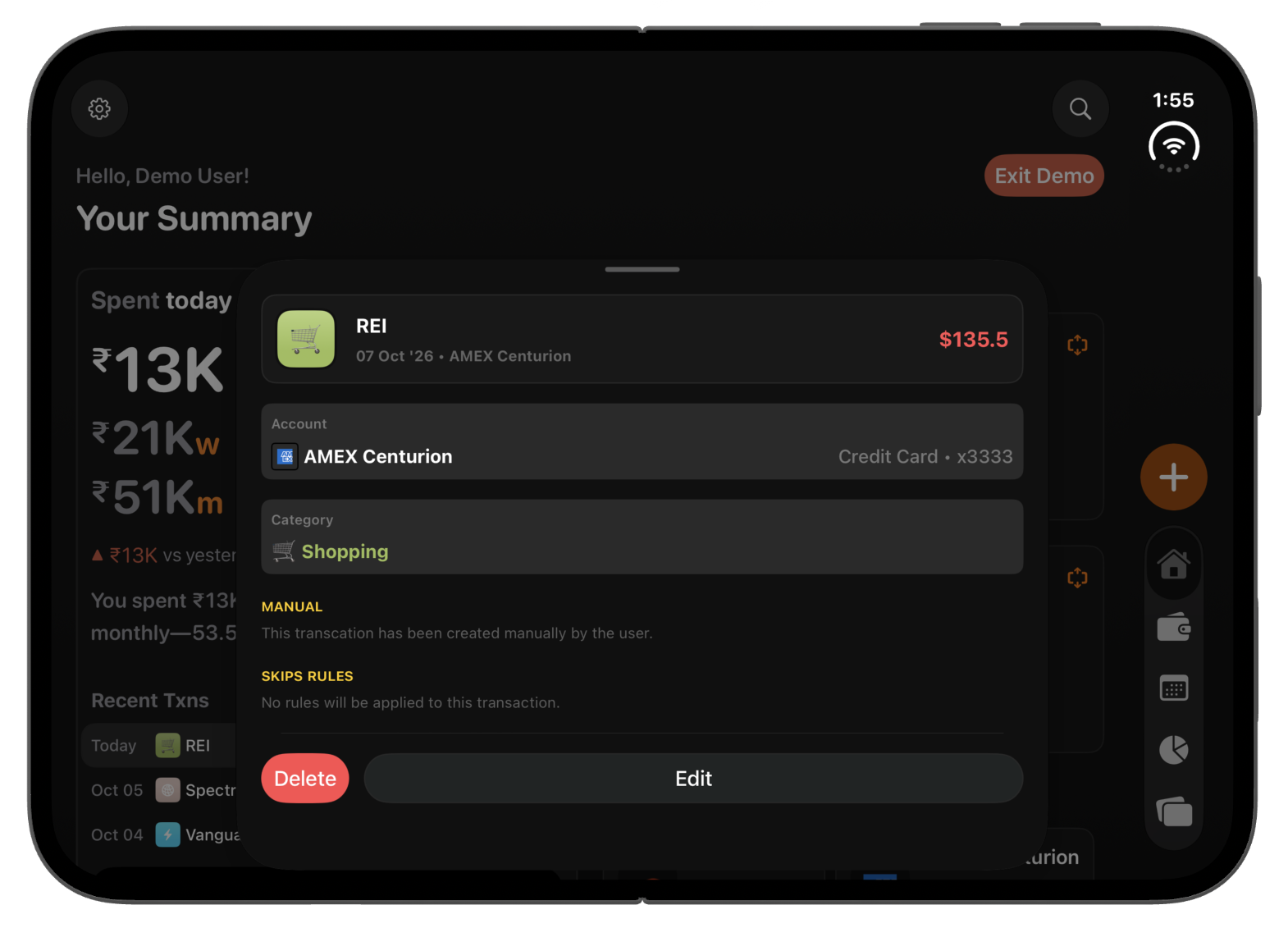
With Duo open in landscape, the summary sits alongside account balances and upcoming payments. You can read the spending overview and see what is coming next without moving between screens.
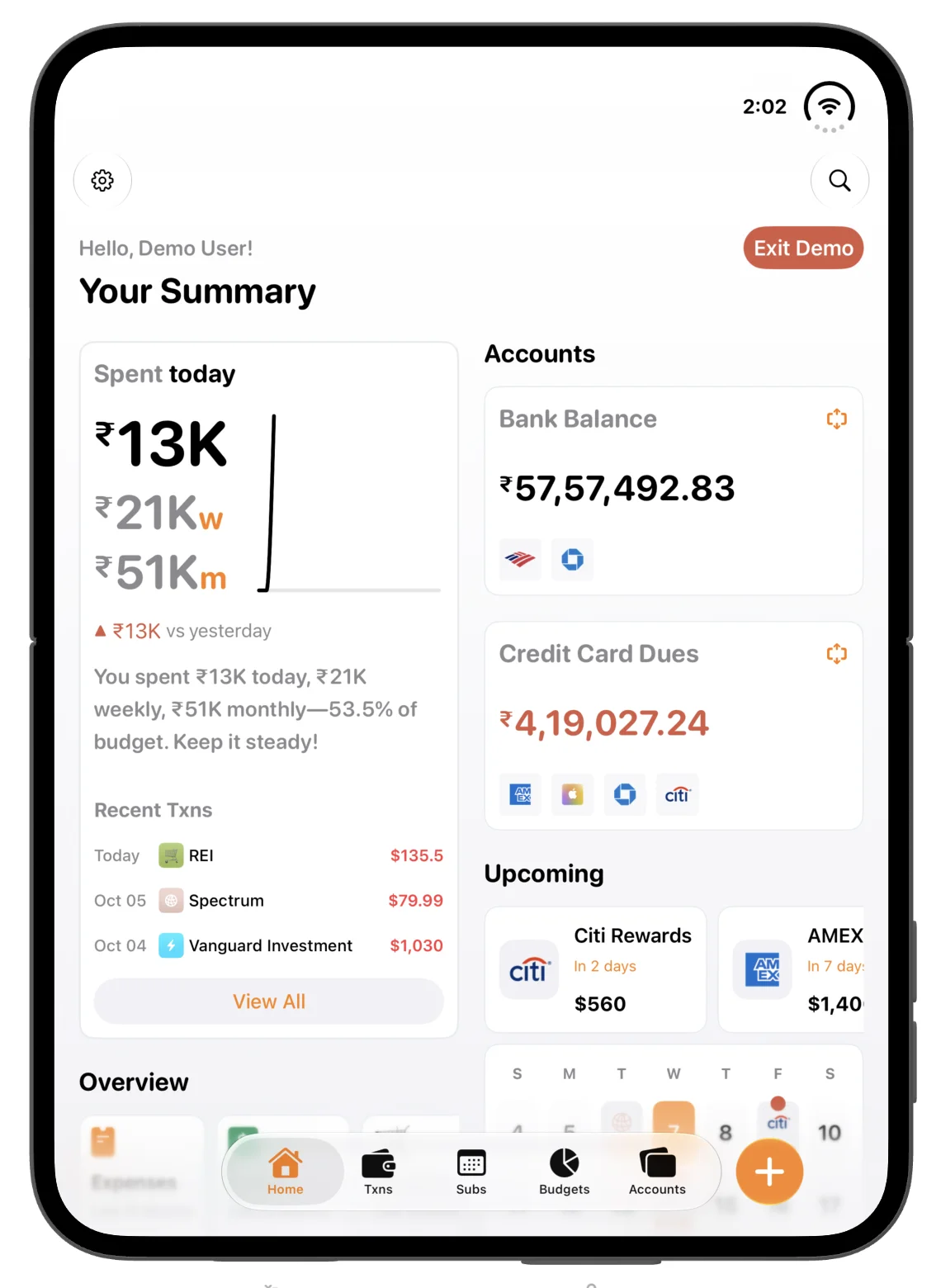
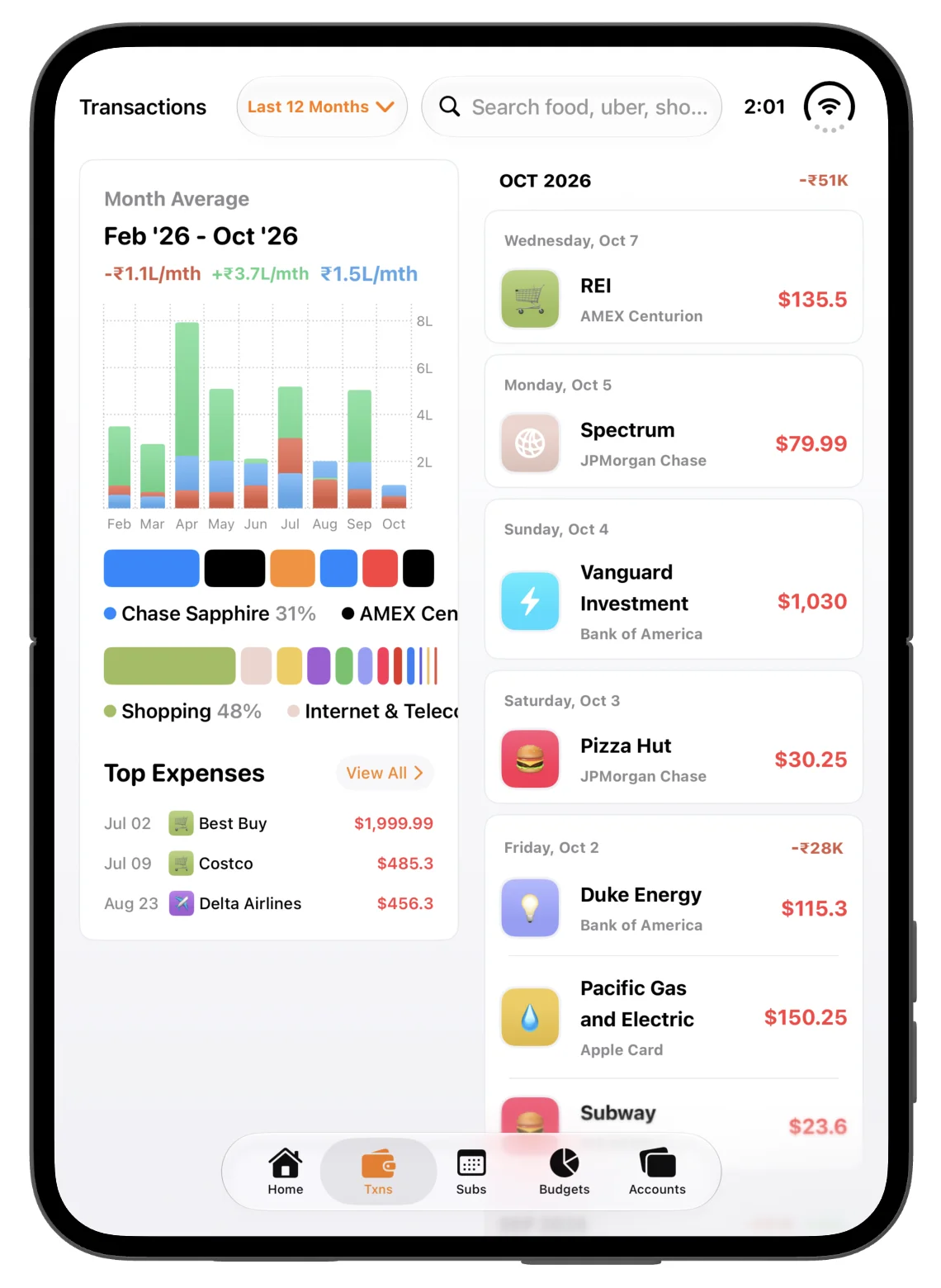
The open portrait layout makes space for a longer overview. In Transactions, the charts, category breakdown and top expenses stay beside the transaction list, so the context stays visible as you browse.
The layout follows the fold
A partially folded screen needs a layout that respects the crease. Finma adjusts its split views so the charts and transaction list have their own space on either side. The video below shows that transition in action.
The same care in dark mode
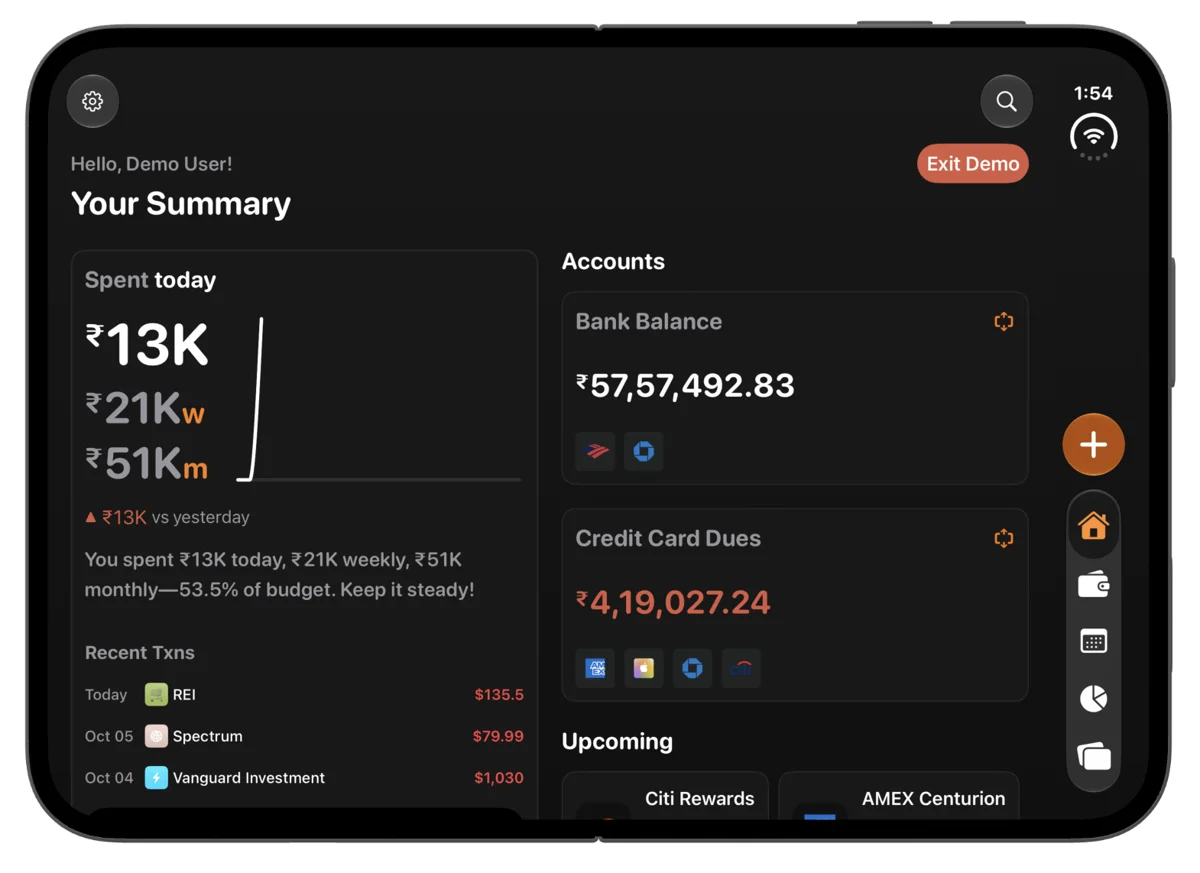
The adaptive layouts are available in both light and dark themes. These screenshots show the summary, transaction actions, editing and accounts in dark mode, across folded and open layouts.
Download the complete presskit
All 16 full-resolution PNG screenshots in light and dark mode, plus both original MP4 videos. Every filename starts with finma- so the assets are easy to identify after downloading.
The videos and images on this page use smaller previews; the download buttons and ZIP contain the originals.
For press enquiries, write to support@finma.money.